

You built a website. You created a Facebook page. But when you search for your business or your type of service on Google, your business is nowhere to be found.
This is one of the most frustrating situations a Nepal business owner faces—and it’s far more common than it should be.
The good news: in most cases, Google invisibility has a clear, fixable cause. Here are the eight most common reasons a Nepal business doesn’t appear on Google, and exactly how to fix each one.
Reason 1: Your Google Business Profile Is Unclaimed or Incomplete
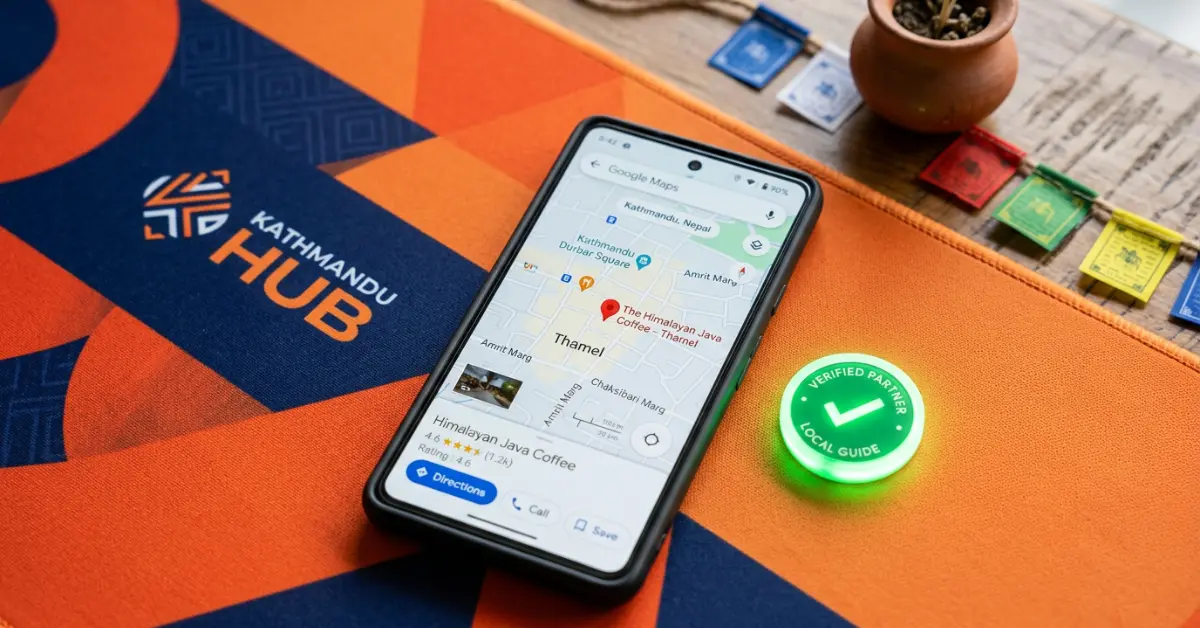
This is the single most common cause of Google invisibility for local Nepal businesses. If you haven’t claimed your Google Business Profile, you simply don’t exist on Google Maps. Even if Google has automatically created a basic listing for your business, it won’t rank well until you claim and verify it yourself.
The Fix
Go to business.google.com, search for your business, and claim it. Complete every section—especially category, phone number, website, and hours. Verify via phone or video. This one step alone can produce visible results within 2 to 4 weeks.
Reason 2: Your Website Is Too New for Google
Google doesn’t rank brand-new websites immediately. For websites less than 3 to 6 months old, Google is still crawling, indexing, and evaluating the site. This is called the “sandbox effect” and is particularly pronounced for competitive keywords.
The Fix
Be patient, but also accelerate the process by publishing content consistently, building even a few legitimate backlinks from Nepal directories, and submitting your sitemap to Google Search Console.
Reason 3: Your Website Has Not Been Indexed by Google
Being indexed and being ranked are different things. Your website might not even be in Google’s database yet. You can check this by typing “site:yourwebsite.com” into Google. If no results appear, your site is not indexed.
The Fix
Create a free Google Search Console account, verify your website, and submit your XML sitemap. In Search Console, use the URL Inspection tool to request indexing of your key pages directly.
Reason 4: Your Website Has a Technical Blocking Error
Some websites are accidentally configured to block search engines from crawling them. This is sometimes left over from the development phase when a developer sets “discourage search engines from indexing this site”—a common WordPress setting that’s easy to forget to turn off.
The Fix
In WordPress, go to Settings > Reading. Make sure “Discourage search engines from indexing this site” is unchecked. Also check your robots.txt file at yourwebsite.com/robots.txt to ensure it’s not blocking Google.
Reason 5: Your Website Has No Content Targeting Your Keywords
Google can only rank you for keywords that appear meaningfully in your website content. If your homepage says “Welcome to our company—we provide excellent services in Nepal” without mentioning what you actually do or where you’re located, Google has no idea what to rank you for.
The Fix
Rewrite your page content to naturally include your target keywords. If you’re a “plumber in Kathmandu,” those words should appear in your page title, your H1 heading, your first paragraph, and several places throughout the page in natural sentences.
Reason 6: Your Competitors Have Stronger SEO
Sometimes your website is indexed and technically sound, but your competitors have simply done more SEO work—more content, more backlinks, and a longer history. You’re not invisible; you’re just outranked.
The Fix
Audit your top 3 competitors in Google Search. Note how many pages they have, how many words on their key pages, and how many external websites link to them. Build a plan to systematically match and exceed their SEO investment over 6 to 12 months.
Reason 7: Your Website Is Too Slow on Mobile
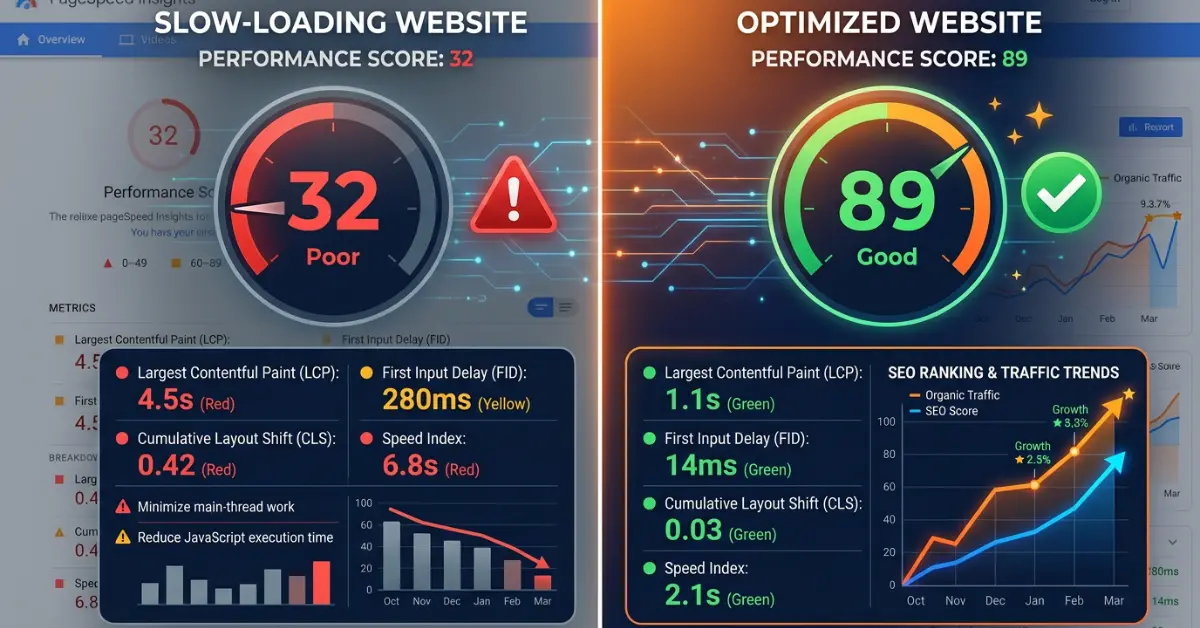
Google uses mobile-first indexing, meaning it evaluates the mobile version of your website when deciding rankings. A website that takes more than 3 seconds to load on mobile is severely penalized in rankings. Many Nepal websites, especially older ones, fail on this metric.
The Fix
Test your website at PageSpeed Insights (pagespeed.web.dev). Aim for a score above 75 on mobile. Common fixes include compressing images, removing unnecessary plugins, and switching to faster hosting.
Reason 8: Your Website Has a Penalty or Spam Issues
If your website was previously involved in black-hat SEO tactics—bought links, keyword stuffing, or scraped content—Google may have penalized it, causing rankings to drop dramatically or disappear entirely.
The Fix
Check Google Search Console for any manual actions under the Security and Manual Actions section. If a penalty exists, remediate the specific issues Google identifies and submit a reconsideration request. This process takes time but is recoverable.
The Fastest First Step
If you’re not sure which of these issues applies to you, start with Google Search Console. It’s free, it shows you exactly how Google sees your website, and it flags the most critical technical issues that are holding back your rankings.
Free Website Audit at Tech Babal
Our SEO team offers a free website audit that diagnoses all eight issues above. We show you exactly what’s broken and how to fix it.
Learn more: techbabal.com/services/seo